01
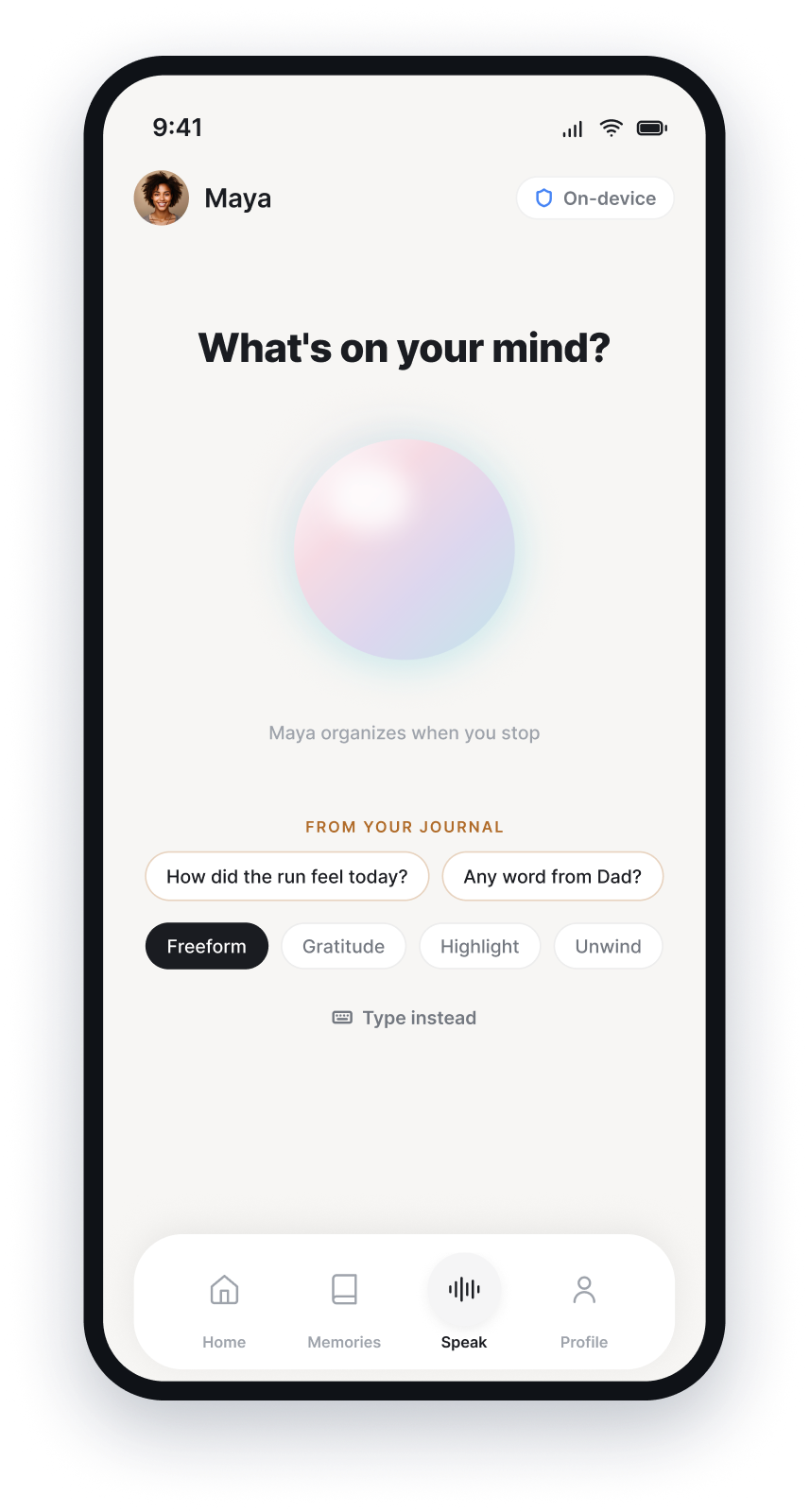
Speak naturally
Tap once and talk for ten seconds or ten minutes. Prefer typing? That works too.
Private voice journal · iPhone
Moments works securely on your iPhone, helping you organize, rediscover, and understand your memories.
No Moments account · iOS 18+ · Cancel through Apple
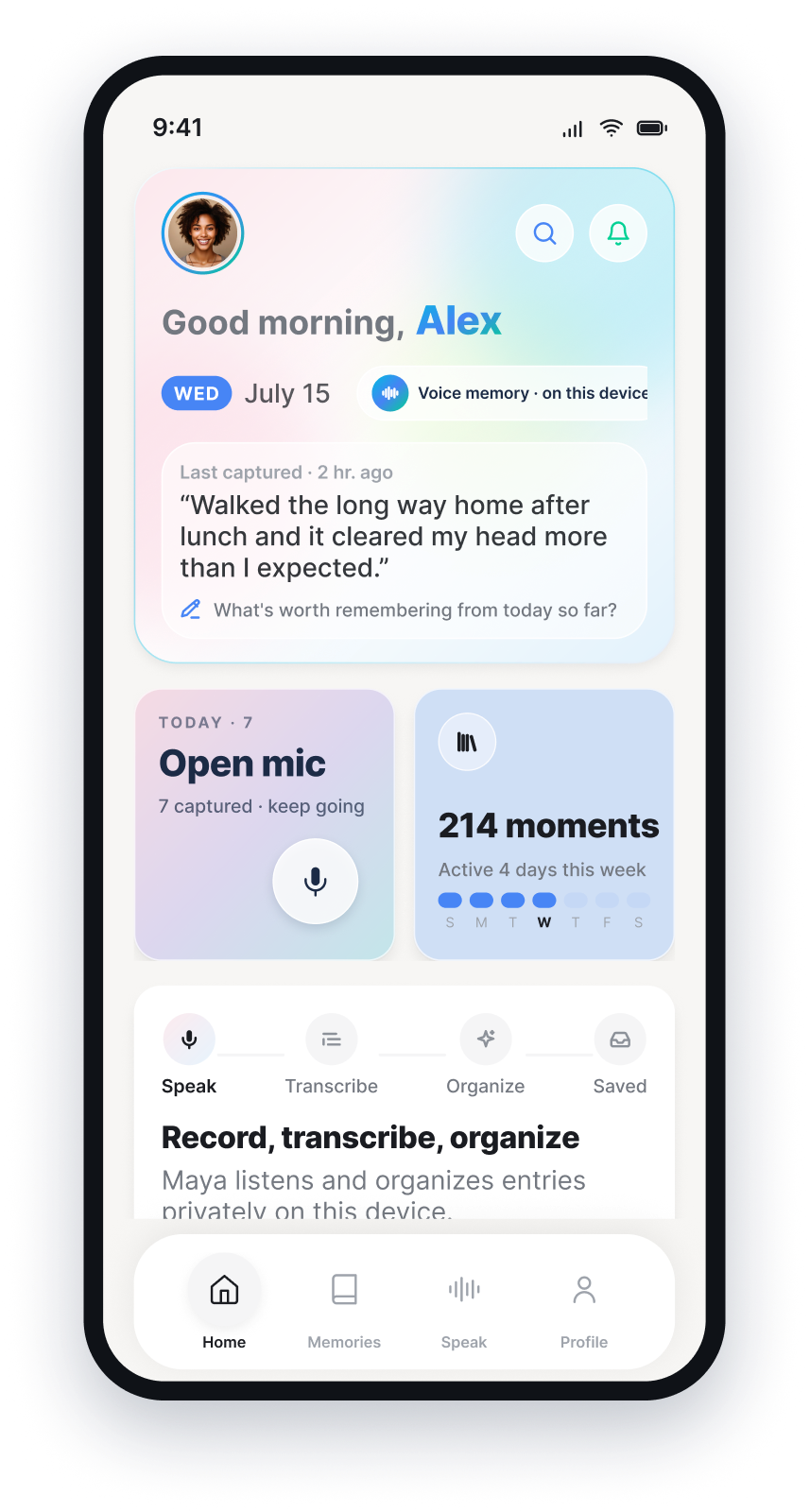
From thought to perspective
Capture the thought while it is fresh. Moments keeps the original, organizes the details, and helps you find meaning later.
Tap once and talk for ten seconds or ten minutes. Prefer typing? That works too.
Your private assistant surfaces themes, people, tone, and follow-ups while keeping the original audio and verbatim transcript.
Ask “What’s been on my mind?” or revisit Weekly Mirror and On This Day for perspective.
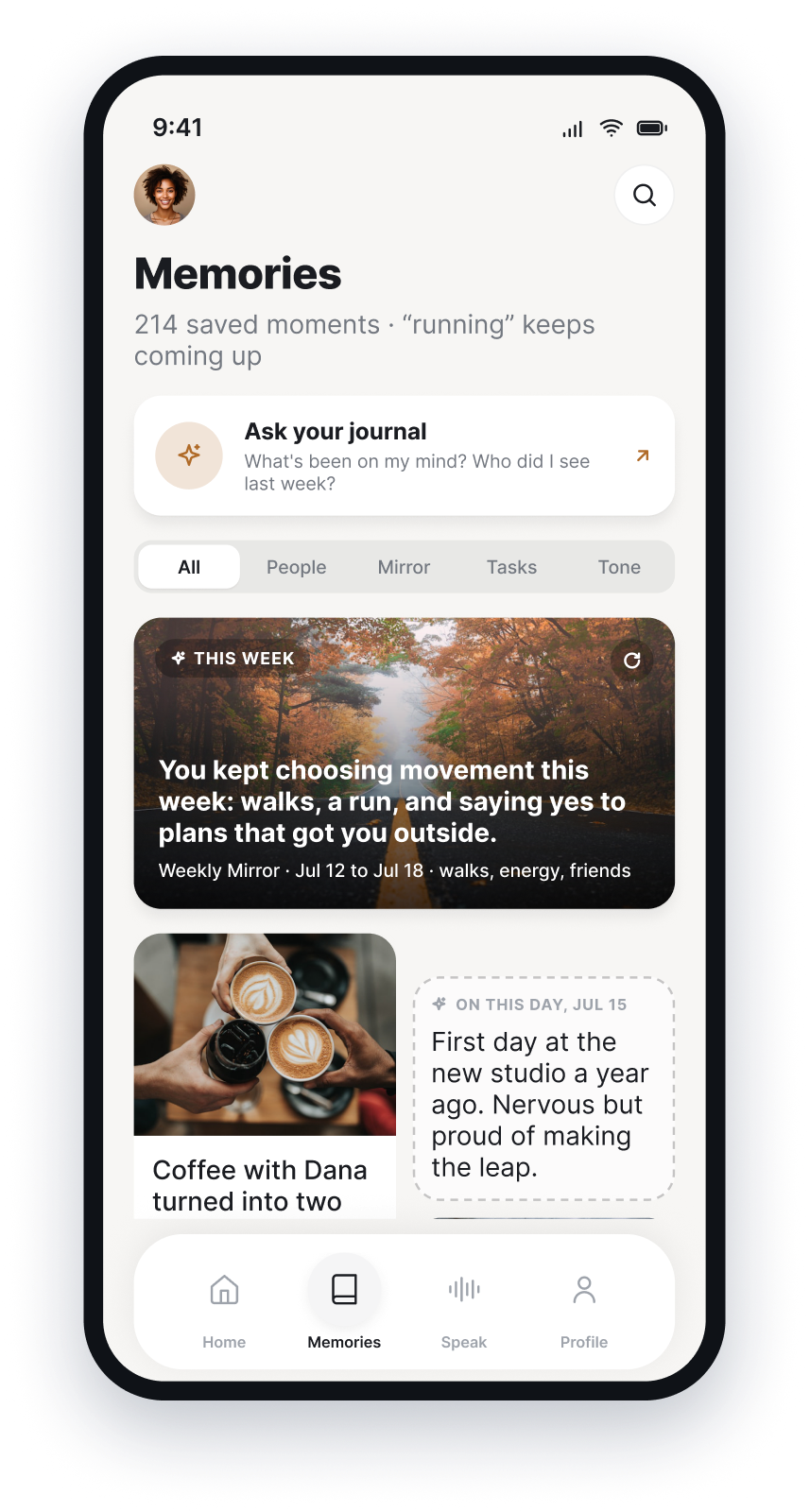
You mentioned wanting more unhurried time three times: after Tuesday’s walk, dinner with Dana, and Sunday morning.
Based only on your saved momentsYour past, answerable
Moments connects the people, themes, and commitments across your entries. Ask in everyday language and get answers grounded in the moments you actually recorded.
Privacy you can explain
Entries, recordings, photos, transcripts, search, and AI-generated reflections stay inside Moments’ private storage on your iPhone.
0 journal bytes uploaded
A roughly 1.6 GB public AI model downloads once. No journal content is sent with that request. Afterward, Moments works offline.
Private by design
There is no automatic Moments sync and no hidden server copy.
Simple pricing
Monthly and yearly include every feature. Apple handles the subscription, billing, cancellation, and refunds.
$49.99/ year
About $4.17 per month · save 40%
Or $6.99 monthly · renews automatically until canceled
Questions, answered
Still unsure? Email hello@keepmoments.app. You’ll hear from the person behind the app.
No. Your voice, transcripts, photos, journal structure, and search index stay on your iPhone. The only first-use network step is downloading the public AI model weights.
Yes. After the one-time AI model download, recording, transcription, organization, Ask Your Journal, and lookbacks work without a network connection.
You create a full backup file and choose where it goes: Files, AirDrop, or your own iCloud Drive. Restore that file on a new iPhone; the AI model downloads again.
Moments has no server copy. A deleted entry can only be restored from a backup you already made.
Apple manages both. Cancel in iOS Settings → your name → Subscriptions. Refund requests go through Apple’s Report a Problem service.

A quieter place for what you’ve lived
Fourteen days free. Then $49.99 yearly or $6.99 monthly.
Get Moments for iPhone